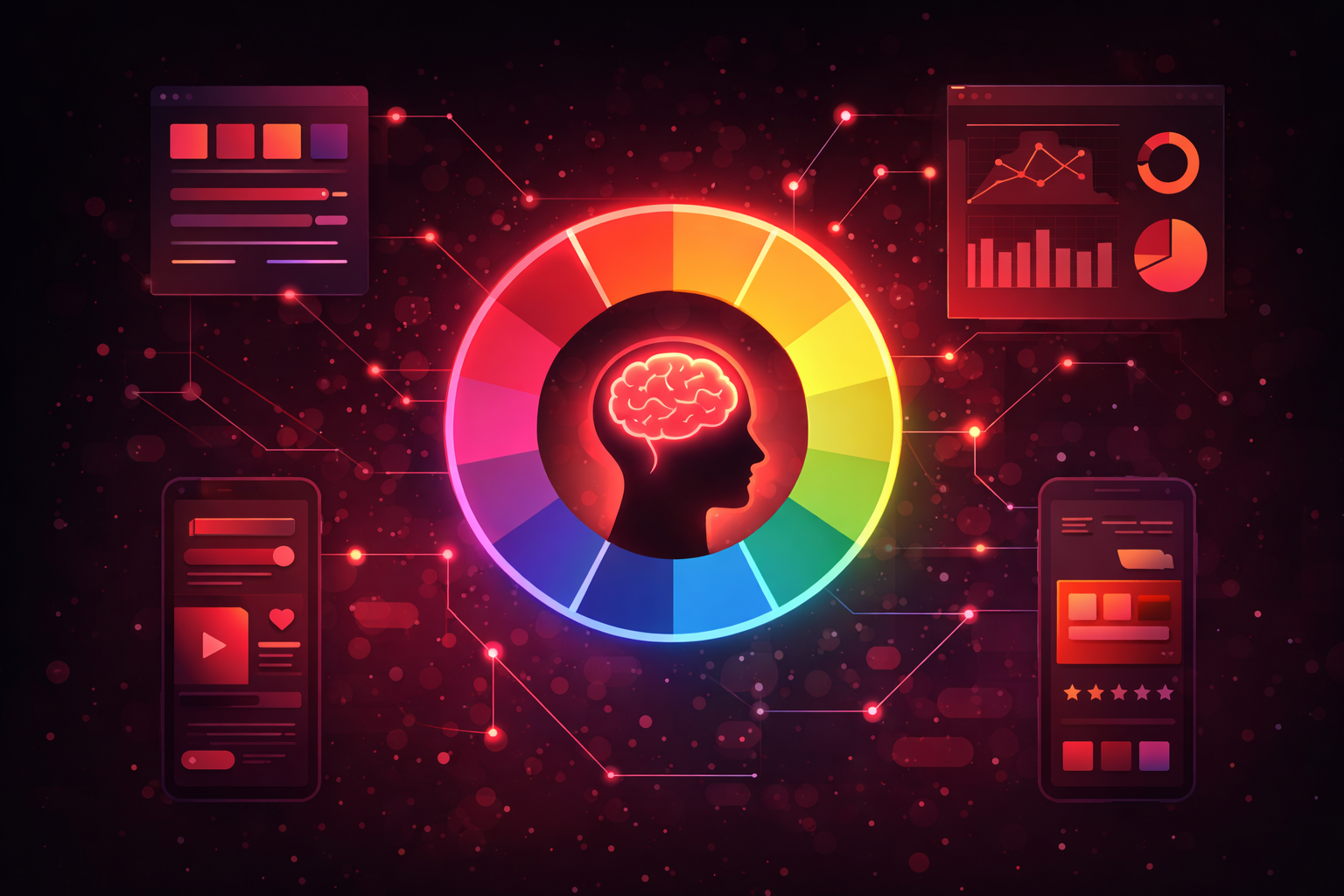
Color is one of the most powerful tools in a designer's arsenal, yet it's often chosen based on personal preference rather than strategic thinking. Understanding the psychology behind color choices can transform your designs from merely attractive to genuinely effective at influencing user behavior and emotions.
The Science Behind Color Perception
Before diving into specific colors and their psychological effects, it's important to understand that color perception is both biological and cultural. Our eyes contain photoreceptors that respond to different wavelengths of light, but how we interpret and emotionally respond to colors is heavily influenced by our cultural background, personal experiences, and context.
This means that while there are some universal tendencies in color psychology, you should always consider your specific audience when making color decisions. What works for a Western audience might have entirely different connotations in Asian or Middle Eastern cultures.
Primary Colors and Their Psychological Impact
Red: Energy, Urgency, and Passion
Red is perhaps the most emotionally intense color. It increases heart rate, creates a sense of urgency, and demands attention. This is why you see red used extensively in clearance sales, warning messages, and call-to-action buttons.
In UI design, red should be used strategically. It's excellent for error states and important notifications, but overuse can create a sense of anxiety or aggression. The key is balance—a single red CTA button on a page with neutral colors will draw the eye immediately, but a page full of red elements loses this effect entirely.
We've found that red works particularly well for e-commerce sites selling impulse purchases, food-related applications (red stimulates appetite), and any context where you want to create urgency without causing alarm.
Blue: Trust, Stability, and Calm
There's a reason why blue dominates the tech industry and financial sector. Blue evokes feelings of trust, security, and reliability. It's calming without being passive, professional without being cold.
Facebook, Twitter, LinkedIn, PayPal, IBM—the list of blue-branded tech companies is extensive. This isn't coincidence. When you're asking users to share personal information, store their money, or spend significant time on your platform, blue helps create the trust necessary for these actions.
In UI design, blue is incredibly versatile. It works well for primary actions, links, and interactive elements. Lighter blues can create a sense of openness and friendliness, while darker blues convey authority and expertise.
Yellow: Optimism, Clarity, and Warmth
Yellow is the most attention-grabbing color in the spectrum—our eyes process it faster than any other color. It's associated with happiness, optimism, and energy, but it can also signify caution (think traffic signs).
In UI design, yellow is tricky. Pure yellow on white backgrounds creates accessibility issues, as the contrast is often insufficient. However, yellow works beautifully for highlights, badges, and accent elements. It's particularly effective for drawing attention to new features or important updates.
We often use yellow in applications targeting younger audiences or in contexts where we want to convey friendliness and approachability.
Secondary Colors and Their Applications
Green: Growth, Health, and Success
Green is universally associated with nature, health, and growth. In UI design, it's the go-to color for success states, positive actions, and confirmations. When a user completes a purchase or successfully submits a form, green provides positive reinforcement.
Beyond success states, green works well for health and wellness applications, environmental brands, and financial applications (where green often represents profit or positive returns). It's also effective for CTA buttons, particularly for actions related to moving forward or proceeding.
Purple: Creativity, Luxury, and Wisdom
Historically associated with royalty and luxury, purple conveys creativity, sophistication, and imagination. It's less common in UI design, which can actually be an advantage—purple interfaces stand out in a sea of blue and green.
We've used purple effectively for creative tools, premium product offerings, and applications targeting audiences that value uniqueness and self-expression. Lighter purples (lavender) can feel calming and spiritual, while deeper purples convey luxury and exclusivity.
Orange: Energy, Enthusiasm, and Friendliness
Orange combines the energy of red with the friendliness of yellow. It's enthusiastic, confident, and approachable. In UI design, orange works well for CTAs that need to stand out without the urgency that red implies.
Orange is particularly effective for entertainment platforms, food applications, and brands targeting younger demographics. However, it can feel overwhelming in large doses, so it's best used as an accent color rather than a dominant element.
Neutrals: The Unsung Heroes
While discussions of color psychology often focus on vibrant hues, neutral colors—white, black, gray, and browns—are equally important in UI design. They provide visual breathing room, establish hierarchy, and ensure that your carefully chosen accent colors actually stand out.
White space (or negative space) is crucial for creating interfaces that don't overwhelm users. A cluttered, colorful interface is harder to navigate than one with generous white space and strategic color use.
Black conveys sophistication and elegance when used appropriately. Many luxury brands use black-dominant interfaces to create a sense of exclusivity. However, pure black (#000000) on pure white (#FFFFFF) can create eye strain—slightly off-white backgrounds and dark gray text are often more comfortable for extended reading.
Color Combinations and Harmony
Individual colors matter, but how colors interact with each other is equally important. A poorly chosen color combination can create visual discord that makes users uncomfortable, even if they can't articulate why.
Complementary colors (those opposite each other on the color wheel) create high contrast and visual interest but can be jarring if overused. Analogous colors (those next to each other on the color wheel) create harmonious, cohesive designs but may lack visual punch.
At Moops Design, we typically work with a 60-30-10 rule: 60% dominant color (usually neutral), 30% secondary color, and 10% accent color. This creates visual interest while maintaining hierarchy and preventing overwhelm.
Accessibility Considerations
Any discussion of color in UI design must address accessibility. Approximately 8% of men and 0.5% of women have some form of color blindness, and many more users have low vision or view interfaces in challenging lighting conditions.
Never rely on color alone to convey information. Error states should include icons or text, not just red highlighting. Success confirmations need more than a green checkmark. Interactive elements should have multiple visual indicators beyond color—underlines for links, obvious button styling, focus states.
Contrast ratios matter enormously. WCAG 2.1 guidelines recommend a contrast ratio of at least 4.5:1 for normal text and 3:1 for large text. Tools like the WebAIM Contrast Checker make verifying these ratios simple.
Testing Your Color Choices
Theory can only take you so far. The real test of your color choices is how actual users respond to them. A/B testing different color schemes, particularly for CTAs and critical interface elements, can reveal surprising insights.
We've seen conversion rate improvements of 20% or more simply by changing button colors. But here's the thing—there's no universal "best" color. The winning color depends on your specific context, audience, and the colors surrounding the element.
Conclusion: Strategic Color Usage
Color psychology isn't about manipulating users—it's about creating experiences that feel intuitive and appropriate. When colors align with user expectations and emotional needs, interfaces feel natural. When they clash, users experience friction they might not even be able to articulate.
As you approach color decisions in your next project, start with your brand values and user needs. Consider the emotional journey you want users to experience. Then choose colors that support that journey, testing and iterating based on real user behavior.
The most effective interfaces use color intentionally, not decoratively. Every color choice should serve a purpose, whether that's guiding attention, conveying meaning, or evoking emotion. Master this, and you'll create designs that don't just look good—they work.
Share: